Chase Bank Statement to Excel Converter
Convert JPMorgan Chase PDF statements to clean, categorized Excel or CSV files in seconds. No manual entry, no sign-up, 100% private.
Convert Chase PDF Now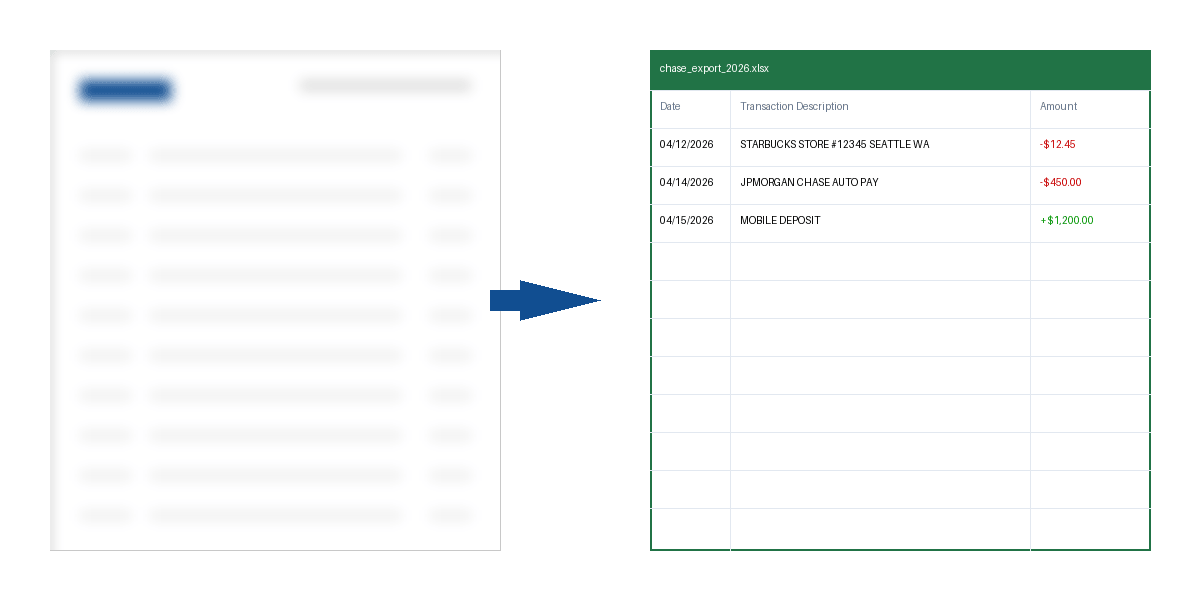
Why Chase PDFs are hard to convert
JPMorgan Chase statements use a specific multi-section layout. Unlike other banks that show a single chronological list, Chase often separates "Deposits and Additions" from "Withdrawals and Debits."
Our AI-powered converter is specifically trained on the 2026 Chase Layout. It merges these sections into a single chronological spreadsheet, handling multi-line transaction descriptions (like long merchant names) without splitting them into separate rows.
Technical Perfection
- ✓ Automatically merges separate Credit/Debit tables
- ✓ Extracts check numbers and memo fields perfectly
- ✓ Supports 2025-2026 High-Contrast Chase Designs
- ✓ 100% Accuracy on multi-page statements
How to Download Chase Statements (2026 Guide)
1 Chase.com (Web)
- 1. Sign in to your Chase Online℠ account.
- 2. Open the Main Menu (☰) and select "Statements & documents."
- 3. Select your account (Checking/Credit Card) and the specific year.
- 4. Click the Save (PDF) icon to download the file.
2 Chase Mobile® App
- 1. Open the Chase app and tap your Profile icon (top left).
- 2. Select "Statements & documents" in the manager.
- 3. Choose your account and tap the desired month.
- 4. Tap the Share/Export button and select "Save to Files" as PDF.
Chase Native CSV vs. AI Converter
| Feature | Chase Native Export | Our AI Converter |
|---|---|---|
| Historical Range | Usually limited to 3-6 months | Up to 7 years (Any PDF) |
| Scanned Statements | Not supported | Full OCR support |
| Formatting | Requires manual cleanup | Ready for QuickBooks/Xero |
Frequently Asked Questions
Is it safe to upload my Chase statements?
Yes. We use bank-grade SSL encryption. Files are processed in volatile memory and permanently deleted within 60 minutes. We never see or store your financial data.
Does this support Chase Ink Business cards?
Absolutely. We support the entire Chase portfolio, including Sapphire, Freedom, and all Ink Business credit cards.
BankStatementConverterAI is an independent service and is not affiliated with, endorsed by, or in any way officially connected with JPMorgan Chase & Co. or any of its subsidiaries.
